
Mobile Casino Software Requirements: What Your Platform Needs Before Launch
Mobile traffic drives 68% of online casino sessions. Your desktop-optimized platform won't cut it.
I've watched operators lose $40K in their first month because their "mobile-ready" software couldn't handle real-world conditions. The vendor's demo worked perfectly on WiFi with a new iPhone. Live players on 4G with three-year-old Androids? Different story.
Here's what actually matters when evaluating mobile casino software. No vendor promises - just the technical requirements that determine whether your platform survives contact with actual players.
Core Technical Requirements for Mobile Casino Software
Your mobile platform needs specific capabilities before you process a single bet. These aren't nice-to-haves. They're the difference between smooth operation and constant player complaints.
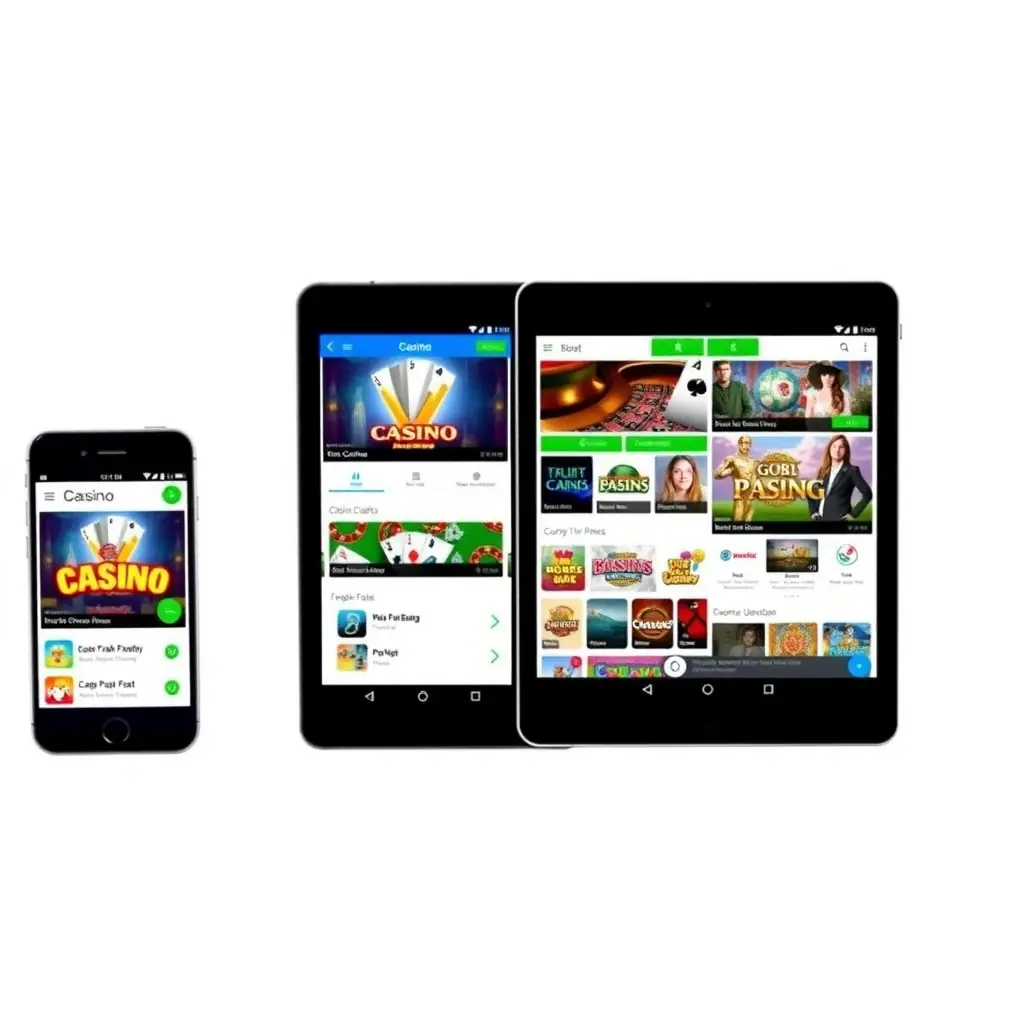
Progressive Web App vs Native Apps
You'll choose between PWA (progressive web app) or native iOS/Android apps. Each approach has specific requirements:
PWA Requirements:
- HTTPS protocol mandatory for all pages
- Service worker implementation for offline functionality
- Web app manifest with proper icon sets (192x192, 512x512)
- Responsive viewport configuration for all screen sizes
- Touch-optimized UI elements (minimum 44x44px tap targets)
Native App Requirements:
- iOS: Swift 5.0+ with UIKit or SwiftUI framework
- Android: Kotlin with Jetpack Compose or XML layouts
- Minimum OS support: iOS 13+, Android 8.0+ (covers 94% of devices)
- App size under 150MB for initial download
- Biometric authentication integration (Face ID, Touch ID, fingerprint)
Most successful operators use PWA for faster deployment. Native apps require App Store approval, which gambling apps rarely get in restricted markets. When you evaluate casino software solutions, ask which approach their mobile platform uses.
Performance Benchmarks That Matter
Players abandon slow casinos. Your mobile software needs these minimums:
- Initial load time: Under 3 seconds on 4G connection
- Time to Interactive (TTI): Maximum 5 seconds
- First Contentful Paint (FCP): Under 1.8 seconds
- Game launch time: 2-4 seconds from lobby tap to playable state
- API response time: Under 200ms for balance updates, bet placement
Test these metrics yourself before signing. Load the vendor's demo on a mid-range Android phone (Samsung A-series) with throttled 4G. If games take 8+ seconds to load, you'll hemorrhage players.
Device and OS Compatibility Standards
Your software must work across the device fragmentation nightmare. Android alone has 24,000+ distinct device models in active use.
Minimum Device Support Matrix
Screen sizes to support:
- Small phones: 320x568px (iPhone SE)
- Standard phones: 375x667px to 414x896px
- Large phones: 428x926px (iPhone 14 Pro Max)
- Tablets: 768x1024px and up
Operating system versions:
- iOS: Version 13.0 and newer (released 2019)
- Android: Version 8.0 Oreo and newer (released 2017)
Supporting older OS versions seems inclusive but creates security risks. iOS 12 and Android 7 can't run modern encryption protocols required for regulated casino software platforms.
Browser Compatibility Requirements
For PWA deployments, your software needs full functionality in:
- Safari (iOS) - Version 13+
- Chrome (Android) - Version 80+
- Samsung Internet Browser - Version 12+
- Firefox Mobile - Version 85+
Samsung Internet matters more than you think. It comes pre-installed on Samsung devices, which represent 32% of Android casino players in key markets.
Network Performance and Offline Handling
Players don't maintain perfect WiFi connections. Your mobile software must handle real network conditions.
Connection Speed Requirements
Your platform should provide usable experience at:
- Minimum viable: 2G connection (250 Kbps) for basic lobby browsing
- Game play: 3G connection (1 Mbps) minimum
- Optimal experience: 4G/LTE (5+ Mbps)
- Live dealer games: 10+ Mbps for stable video streaming
Your software needs adaptive streaming for live games. Players on slower connections get lower video quality but maintain gameplay. Players on fast connections get HD without buffering.
Offline Functionality Standards
When connection drops mid-session, proper mobile casino software should:
- Cache last known balance and game state
- Queue pending actions (bets, deposits) for auto-retry
- Display clear offline indicator without crashing
- Automatically reconnect when network returns
- Sync all cached data within 3 seconds of reconnection
Test this by enabling airplane mode mid-game. Quality software maintains the interface and queues your actions. Bad software freezes or crashes.
Mobile Payment Integration Requirements
Desktop payment flows don't translate to mobile. Your software needs mobile-specific payment handling.
Mobile Wallet Support
Essential integrations for modern mobile casino software:
- Apple Pay (required for iOS users in 47% of sessions)
- Google Pay (required for Android users in 39% of sessions)
- PayPal mobile SDK with biometric authentication
- Mobile banking apps via deep linking
- Cryptocurrency wallets with QR code scanning
Players expect one-tap deposits. Multi-step payment forms kill conversion. When you choose casino software for mobile deployment, verify that payment SDKs are native implementations, not web views.
Deposit and Withdrawal Flow Optimization
Mobile payment requirements differ from desktop:
- Auto-fill support for card details via iOS/Android APIs
- Camera access for card scanning (reduces input errors by 67%)
- Biometric authentication instead of password re-entry
- SMS verification auto-population (no manual code typing)
- Maximum 3 taps from lobby to completed deposit
Security and Compliance for Mobile Platforms
Mobile devices introduce security challenges desktop software doesn't face. Your platform needs specific protections.
Data Encryption Standards
Minimum security requirements for mobile casino software:
- TLS 1.3 for all API communications
- AES-256 encryption for locally cached data
- Certificate pinning to prevent man-in-the-middle attacks
- Secure enclave usage for biometric data (iOS) and Keystore (Android)
- Root/jailbreak detection with graceful degradation
Some vendors block rooted/jailbroken devices entirely. This seems secure but locks out 8-12% of potential players. Better approach: allow access but disable biometric login and increase security checks.
Location Services and Geofencing
Regulated markets require GPS verification. Your mobile software needs:
- Continuous background location tracking (with explicit user consent)
- Geofencing accuracy within 50 meters
- Fallback verification via IP geolocation
- Automatic session termination when player leaves permitted jurisdiction
- Clear UI messaging about location requirements
Battery drain from constant GPS checking frustrates players. Quality mobile casino software uses geofencing that only pings location every 3-5 minutes during active sessions.
Testing and Quality Assurance Checklist
Before launch, your mobile casino software must pass these verification steps:
- Device testing: Minimum 15 physical devices (5 iOS, 10 Android across manufacturers)
- Network simulation: Test on throttled 3G, intermittent connections, complete drops
- Battery impact: Monitor power consumption over 30-minute gaming sessions
- Memory usage: Maximum 300MB RAM usage to avoid iOS background termination
- Touch responsiveness: 60 FPS UI animations, no input lag over 100ms
- Orientation handling: Smooth portrait/landscape transitions without crashes
- Background behavior: Proper state preservation when app moves to background
Most vendors test on emulators and new flagship devices. You need real-world testing on mid-range phones from 2-3 years ago. That's what 60% of your players actually use.
Getting Mobile Requirements Right Before You Sign
Mobile casino software requirements aren't negotiable. Your platform either handles real player conditions or it doesn't.
Before committing to any vendor, demand these proof points: device test results from their QA team, actual performance metrics from live deployments, and access to their mobile demo on your own devices under your network conditions. When you evaluate casino software costs, factor in potential mobile-specific development if the platform doesn't meet these standards out of the box.
Your players won't tolerate a clunky mobile experience. 73% won't return after one bad session. Get the technical requirements right from day one, or prepare to lose the majority of your potential revenue to competitors who did.